Admin Guide
Team Management
Creating teams and managing team members
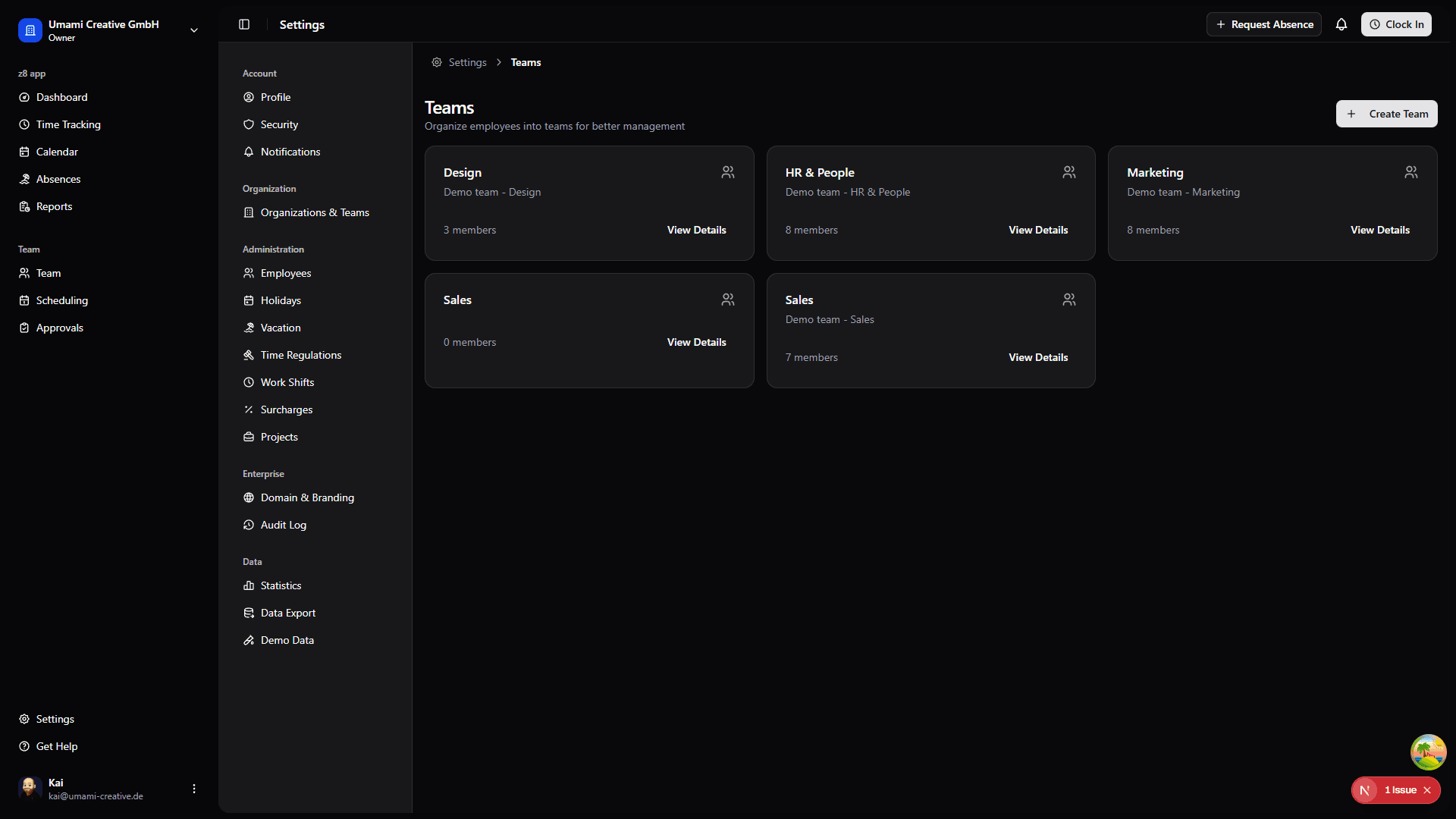
Creating Teams
To create a new team:
- Go to Settings → Teams
- Click "Create Team"
- Enter team information:
- Name: Team identifier (e.g., "Engineering", "Sales")
- Description: Purpose and focus of the team (optional)
- Click "Create"
Managing Team Members
To add members to a team:
- Go to Settings → Teams → (Select Team)
- Click "Add Member"
- Select employee from dropdown
- Click "Add"
To remove members:
- Find the member in the team's member list
- Click the remove icon next to their name
- Confirm removal
Note: Removing someone from a team doesn't deactivate their employee profile.
Editing Teams
To modify team information:
- Navigate to the team's detail page
- Click "Edit" button
- Update name and description
- Click "Save"
Deleting Teams
To delete a team:
- Go to the team's detail page
- Click "Delete Team" button
- Confirm deletion - this cannot be undone!
What happens:
- Team is permanently removed
- Members are NOT deleted (they just lose team membership)
- Team-specific permissions may need reassignment
Caution: Only delete teams that are no longer needed. Consider keeping historical teams for reporting purposes.